Compress Images on Your Phone — No App Needed
You don't need to download a dedicated app to compress images on your iPhone or Android. A free online tool works directly in your mobile browser — Safari on iPhone, Chrome on Android — with no installation required.
How to Compress an Image on iPhone
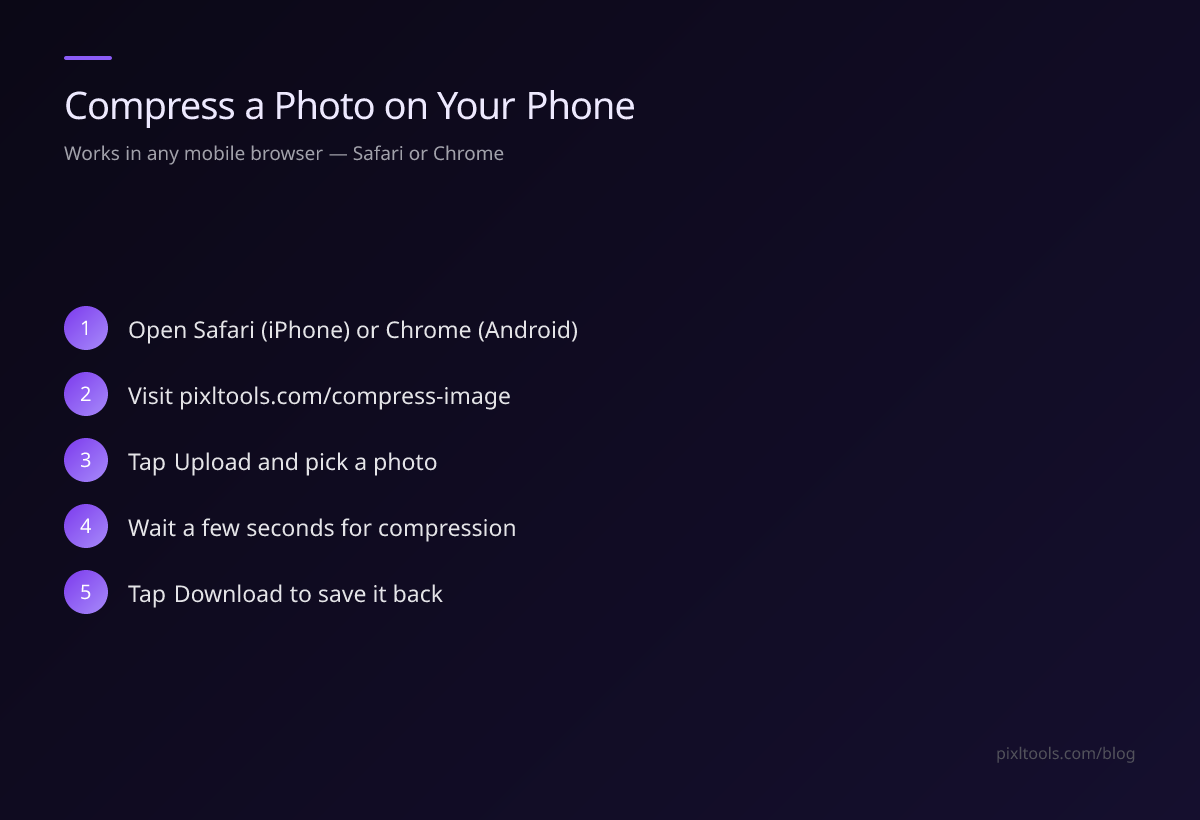
- Open Safari on your iPhone
- Visit pixltools.com/compress-image
- Tap Upload Image and select a photo from your Camera Roll
- Wait a few seconds for compression to complete
- Tap Download to save the compressed image to your Photos
How to Compress an Image on Android
- Open Chrome (or any browser) on your Android phone
- Visit pixltools.com/compress-image
- Tap Upload Image and choose a photo from your gallery
- The tool compresses it automatically at quality 80
- Tap Download to save to your Downloads folder
What Compression Does on Mobile
Phone cameras produce enormous files. A modern iPhone 15 Pro captures 12 MB RAW files. A single photo in HEIC format can be 4–6 MB. Compressing to JPEG at quality 80 brings this down to 800 KB–1.5 MB — much easier to share via email or WhatsApp.
Before Sharing on WhatsApp or Email
WhatsApp compresses images automatically when you send them, often destroying quality. For best results:
- Compress your image yourself first to ~500 KB
- Send it as a document (not a photo) in WhatsApp
- The recipient gets your compressed version, not WhatsApp's aggressive re-compression
Converting HEIC to JPG on iPhone
Modern iPhones save photos in HEIC format by default. This format isn't universally supported. Use our HEIC to JPG converter to convert HEIC files to standard JPEG — works directly in Safari, no app needed.
FAQ
Does this work on iPhone without an app?
Yes — PixlTools works in Safari on iPhone. No download or installation required.
Will compression reduce image quality on my phone?
At quality 80, the reduction is imperceptible for most photos. Your image will look the same but be 60–80% smaller.
What's the best way to share large photos from iPhone?
Compress first to under 1 MB, then share via email as an attachment or via WhatsApp as a Document (not a photo).