Introduction to Web Image Resizing
Resizing images for the web isn't just about making them smaller — it's about serving the right size to the right device at the right time. A desktop user with a 4K monitor needs a larger image than a mobile user with a 375px screen.
Understanding Image Dimensions
Image dimensions are measured in pixels (px). A 1920×1080 image has 1920 pixels wide and 1080 pixels tall. File size depends on both dimensions and compression — a 1920×1080 JPEG at quality 80 is typically 200–400KB.
Resizing Methods
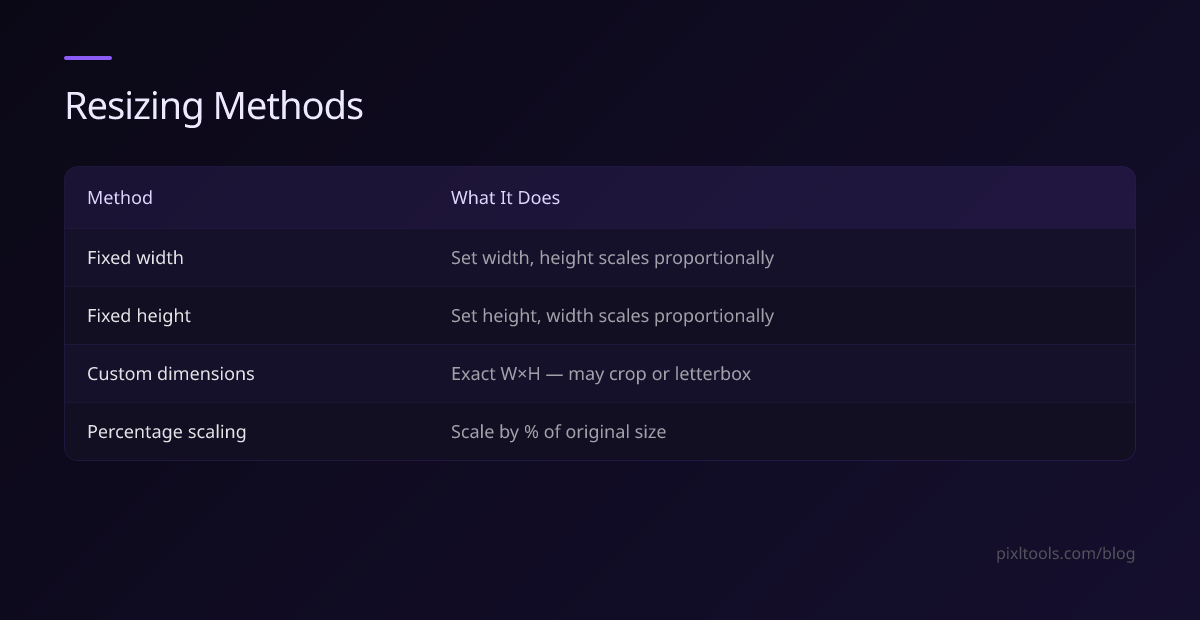
Fixed Width Resizing
Set a specific pixel width and let the height scale proportionally. This maintains the aspect ratio and prevents distortion.
Fixed Height Resizing
Set a specific height and let the width scale automatically. Useful for timelines and vertical-first layouts.
Custom Dimensions (with Cropping)
Specify both width and height precisely. This requires cropping or letterboxing to fit the target dimensions without distortion.
Percentage Scaling
Scale the image by a percentage of its original size (e.g., 50% reduces both dimensions by half, resulting in 25% of the original file size).
Responsive Images with srcset
Modern HTML supports serving different image sizes to different devices:
<img
src="image-800.jpg"
srcset="image-400.jpg 400w, image-800.jpg 800w, image-1200.jpg 1200w"
sizes="(max-width: 600px) 400px, (max-width: 900px) 800px, 1200px"
alt="Description"
/>
This tells the browser to download only the image it needs, dramatically saving bandwidth on mobile.
Next.js Image Optimization
If you use Next.js, the built-in Image component handles responsive resizing automatically — it resizes, optimizes format (serving WEBP automatically), and lazy loads images.
Our Resize Tool
Use our free Image Resize tool to resize any image online. Upload your image, enter the target width and height, choose whether to maintain aspect ratio, and download your resized image instantly — no software installation required.