Why WhatsApp Compresses Your Photos
WhatsApp automatically compresses images before sending them. Photos sent via WhatsApp are reduced to approximately 1600×1200px with aggressive JPEG compression — sometimes dropping quality to as low as 50–60%. This is especially visible in:
- Screenshots with text (text becomes blurry)
- High-detail photos (fine textures become muddy)
- Edited graphics and promotional images
Best Way to Send Quality Images on WhatsApp
Send as a document (not a photo). When you send a file as a Document instead of a Photo, WhatsApp does NOT compress it:
- Open the WhatsApp chat
- Tap the Attachment (paperclip) icon
- Choose Document (not Photo/Video)
- Select your image file
- Send — the image arrives in full original quality
The recipient sees it as a downloadable file, but tapping it opens the image at full quality.
How to Compress Images for WhatsApp Photo Mode
If you want to send via the Photo option but control quality, compress the image yourself first to a size WhatsApp won't further degrade:
Ideal specs for WhatsApp photos:
- Dimensions: 1600×1200px or smaller
- Format: JPEG
- File size: Under 300KB (WhatsApp starts aggressive compression above this)
- Quality: 85
Step-by-step:
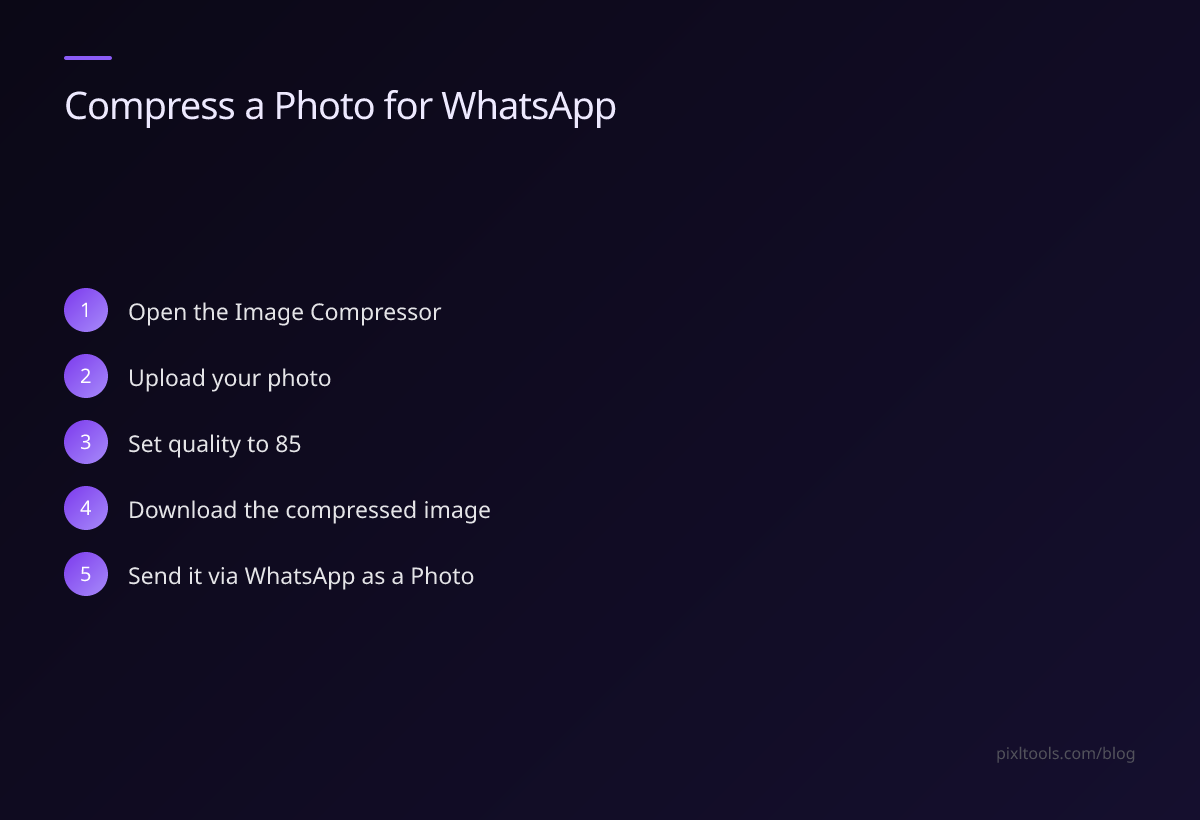
- Visit our free Image Compressor
- Upload your photo
- Set quality to 85 for the best balance
- Download the compressed image
- Send it via WhatsApp as a Photo
At these settings, WhatsApp's additional compression is minimal and often imperceptible.
WhatsApp Status Image Size
WhatsApp Status images are resized to 1080×1920px (vertical) or 1920×1080px (horizontal). To avoid quality loss:
- Use exactly these dimensions
- Save as JPEG at quality 90
- File size: aim for 200–500KB
WhatsApp Profile Picture
Profile pictures are shown at maximum 640×640px. Upload at exactly 640×640px (1:1 square) to prevent any cropping or resizing by WhatsApp.
Use our Aspect Ratio Changer to crop your photo to 1:1 first, then resize to 640×640px using our Resize Image tool.
Batch Resizing for WhatsApp
If you need to send many images (like a product catalog), prepare them all at 1200×900px JPEG at quality 85. This size is small enough that WhatsApp's compression is negligible, and the images will look sharp on recipients' phones.
FAQ
Why do WhatsApp photos look blurry?
WhatsApp compresses all images sent as Photos to save bandwidth. The platform applies aggressive lossy compression, especially on large files. Sending as a Document avoids this.
What is the maximum image size I can send on WhatsApp?
WhatsApp allows images up to 16MB to be sent as Documents. Photos sent through the camera roll are compressed regardless of original size.
Does WhatsApp compress PNG files?
Yes — WhatsApp converts all image types to JPEG before sending, stripping transparency and applying lossy compression.
How do I know if WhatsApp compressed my image?
Compare the file size. If you sent a 2MB photo and the recipient saves it and the file is 200KB, WhatsApp compressed it 10x. Send as a Document to preserve the original.