Why Core Web Vitals Matter for SEO
Google uses Core Web Vitals as a direct ranking signal. Sites that fail these metrics are penalized in search rankings. Images are the primary cause of failure for 80% of websites.
The three metrics you need to fix:
- LCP (Largest Contentful Paint) — how fast the main content loads
- CLS (Cumulative Layout Shift) — how much content jumps around while loading
- INP (Interaction to Next Paint) — how responsive the page feels
LCP — The Biggest Image Problem
LCP measures the time until the largest visible element loads. On most websites, this is a hero image. Target: under 2.5 seconds.
Common LCP Image Failures:
- Image is too large — a 4MB hero photo when 200KB would suffice
- Wrong format — JPEG/PNG instead of WEBP
- Not preloaded — browser discovers the image late in rendering
How to Fix LCP:
Compress and resize the hero image. For desktop hero images (1440px wide), a quality-80 WEBP should be under 150KB. Use our Compress Image tool.
Preload your hero image in HTML:
<link rel="preload" as="image" href="/hero.webp" fetchpriority="high">
Convert to WEBP using our JPG to WEBP converter for 30% smaller files.
Add a CDN (Cloudflare is free). CDN edge servers serve your images from locations close to users, dramatically reducing latency.
CLS — Images Causing Layout Jumps
CLS measures page layout stability. Images without explicit width and height cause massive CLS — they load in with zero size, then suddenly expand, pushing content down. Target: under 0.1.
Fix CLS from Images:
Always specify width and height attributes:
<img src="photo.webp" width="1200" height="630" alt="Description">
Or use CSS aspect-ratio:
img { aspect-ratio: 16/9; width: 100%; }
For Next.js users, the Image component handles this automatically.
INP — Images Causing Interaction Delays
INP measures responsiveness. Large images loaded synchronously block the main thread, causing interaction delays. Target: under 200ms.
Fix INP from Images:
Use lazy loading for below-the-fold images:
<img src="photo.webp" loading="lazy" alt="Description">
Avoid huge images above the fold — they compete for bandwidth with critical resources.
Use decoding="async" for non-critical images:
<img src="photo.webp" decoding="async" alt="Description">
Measuring Your Score
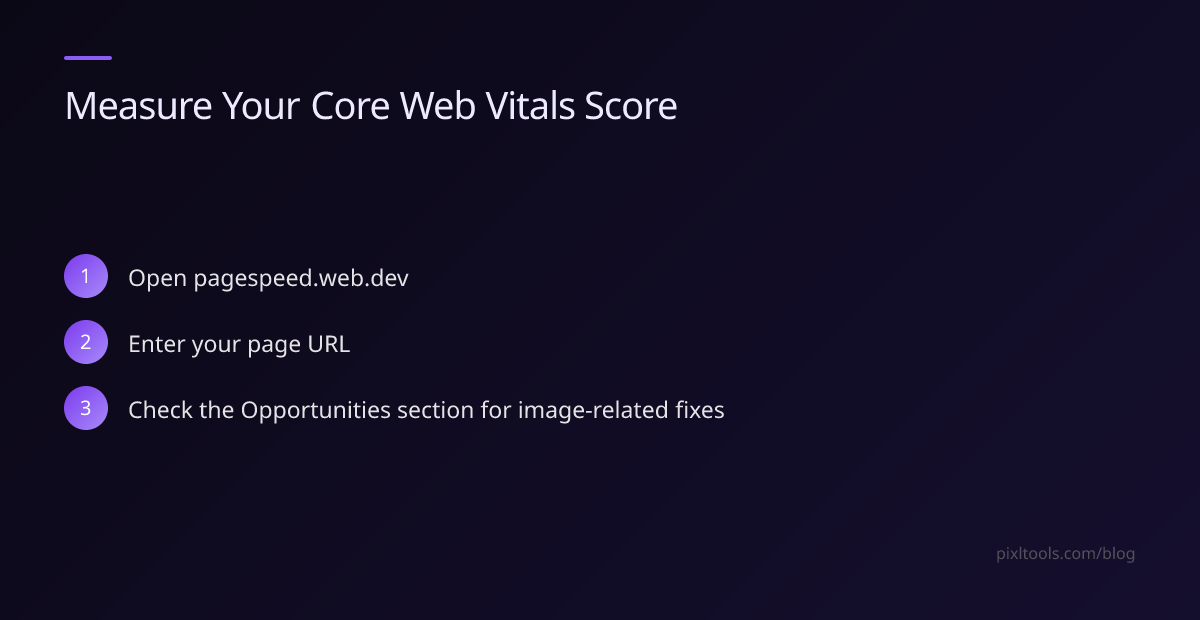
- Visit https://pagespeed.web.dev
- Enter your URL
- Look at the "Opportunities" section — image issues are listed with exact savings estimates
Quick Wins Checklist
- [ ] Hero image: WEBP format, under 150KB, preloaded
- [ ] All images: explicit width and height attributes
- [ ] Below-fold images: loading="lazy"
- [ ] Format: WEBP across the site
- [ ] CDN: Cloudflare or similar