The Impact of Image Size on Website Speed
A 1-second delay in page load time causes a 7% drop in conversions and a 16% decrease in customer satisfaction. Images are the #1 culprit for slow websites — optimizing them is the highest-ROI improvement you can make.
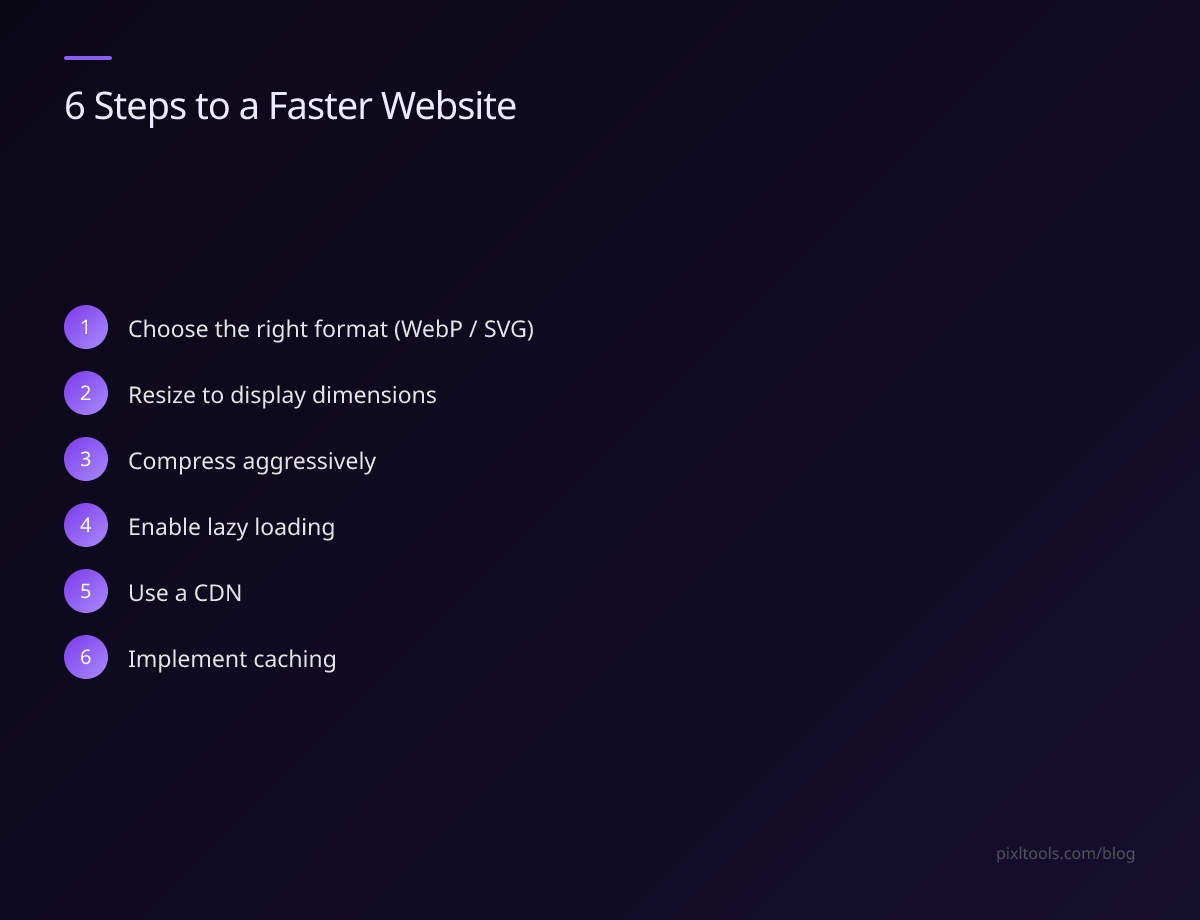
Step 1: Choose the Right Format
Start by selecting the correct format. Use WEBP for photos (convert from JPEG/PNG), SVG for logos and icons, and PNG only when you need lossless transparency.
Step 2: Resize to Display Dimensions
Never serve a 4000×3000px image in a 800×600px container. Resize images to the maximum dimensions they'll be displayed at. On mobile, serve smaller versions using responsive images with the srcset attribute.
Step 3: Compress Aggressively
For JPEG: quality 75–85 is visually identical to the original for most photos. For WEBP: quality 75–80 achieves excellent results. Use our online compression tools to try different quality levels and find the optimal balance.
Step 4: Enable Lazy Loading
Add loading="lazy" to all images below the fold. This defers loading until the user scrolls near the image, dramatically reducing initial page load time.
Step 5: Use a CDN
Serve images from a CDN (Content Delivery Network) like Cloudflare or AWS CloudFront. CDNs cache images on servers close to your users, reducing latency significantly.
Step 6: Implement Caching
Set long cache headers for images (Cache-Control: max-age=31536000). Since images rarely change, caching them for a year eliminates repeat downloads for returning visitors.
Measuring Results
Use Google PageSpeed Insights or WebPageTest to measure your improvements. A well-optimized image strategy typically reduces page weight by 50–70%.