What Does "Make an Image Smaller" Mean?
"Smaller" means different things in different contexts:
- Smaller file size (KB/MB) — for email attachments, website uploads, faster loading
- Smaller dimensions (pixels) — for fitting into a container or meeting size restrictions
- Both — the most common need
This guide covers all three approaches.
Method 1: Reduce File Size (Compression)
Compression reduces KB/MB without changing pixel dimensions. Best for:
- Images already at the right dimensions but too heavy for upload
- Website images that need to load faster
- Email attachments over the limit
How to compress:
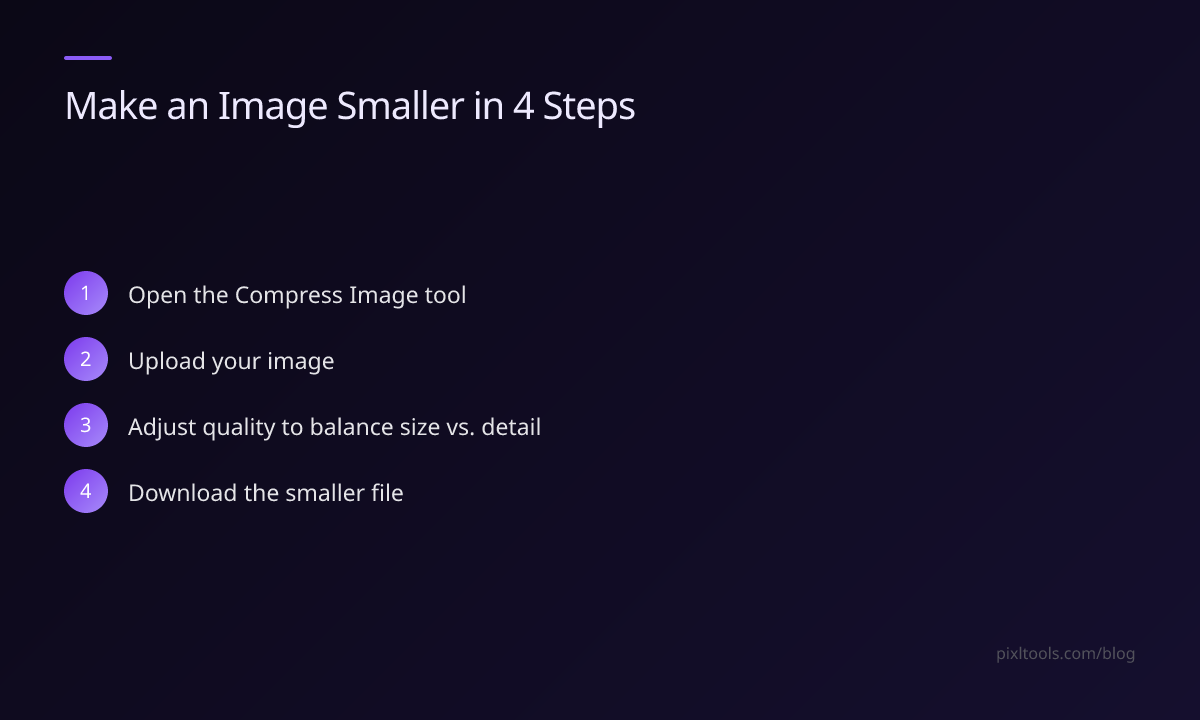
- Go to Compress Image
- Upload your image
- Adjust quality (lower = smaller file, more compression artifacts)
- Download
Results: Quality 80 typically reduces JPEG by 60–75% with barely visible loss.
Method 2: Reduce Dimensions (Resize)
Resizing makes the image physically smaller in pixels. Best for:
- Images that are too large to display correctly
- Fitting specific container sizes (e.g., 800px max width for a blog)
- Reducing file size more aggressively than compression alone
How to resize:
- Go to Resize Image
- Enter your target width (e.g., 800px)
- Enable "Maintain aspect ratio" to avoid distortion
- Download
Method 3: Both (Best Results)
For maximum size reduction, resize first, then compress:
- Resize to the maximum dimensions you'll actually display the image at
- Compress to target quality 75–85
This combination typically reduces a 5MB smartphone photo to under 100KB with no visible quality loss at normal viewing distances.
Choosing the Right Format
Switching formats can also make images dramatically smaller:
- PNG → JPEG: For photos without transparency, saves 60–80%
- JPEG → WEBP: Saves 25–35% at equal quality
- PNG → WEBP: Saves 25% losslessly, or more with lossy
Use our JPG to WEBP or PNG to WEBP converters.
FAQ
How small can I make an image without quality loss?
For JPEG, quality 80 is the practical floor for imperceptible quality loss. Below that, compression artifacts become visible.
Can I make an image smaller for Instagram?
Instagram compresses uploads anyway. For best results, upload at 1080px width, JPEG quality 90+. Our Resize Image tool can crop to the right dimensions.
What's the fastest way to make an image under 1MB?
Resize to 1200px maximum width, then compress at quality 80. This handles 95% of use cases.