Why Convert to Black and White?
Black and white photography has endured for over 150 years because it strips away distracting colour and focuses attention on light, shadow, texture, and composition. Modern uses include:
- Professional portraits with a timeless look
- Artistic photography emphasising texture and contrast
- Document scanning where colour is irrelevant
- Social media aesthetics — consistent B&W feeds look striking
- Historical effect for images in articles or presentations
How to Convert to Black and White Online Free
Use our Grayscale Converter tool:
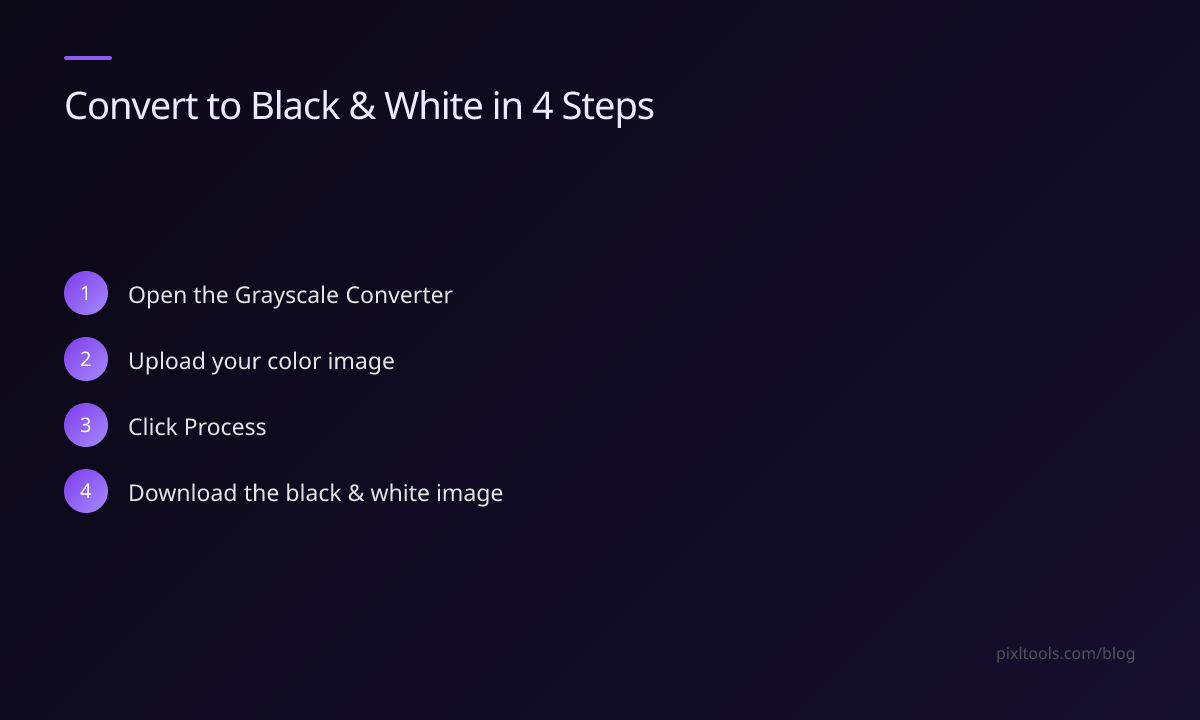
- Go to Grayscale Converter
- Upload your colour image (JPG, PNG, or WEBP)
- Click "Process"
- Download your black and white image
The conversion happens instantly. No signup. No watermarks.
Getting the Best Black and White Results
The quality of a black and white conversion depends heavily on the original photo. Here's how to get dramatic results:
High contrast originals work best. Photos with strong light and shadow — a face lit by window light, a building against a bright sky — convert beautifully. Flat, even lighting looks dull in black and white.
Boost contrast after converting. Use our Contrast Adjuster to increase contrast after converting to grayscale. Pull shadows darker and highlights brighter.
Sharpen slightly. Black and white images benefit from a touch of sharpening to bring out texture in skin, fabric, and architecture. Use our Image Sharpen tool.
Difference: Grayscale vs Black and White
- Grayscale technically means using only shades of grey (0–255), which is what our tool produces
- True black and white in photography usually refers to high-contrast images with deep blacks and bright whites
- In practice, the terms are used interchangeably
Famous Black and White Subjects
- Portraits: Removes skin tone distractions, emphasises emotions
- Architecture: Dramatic shadows and lines
- Nature/landscapes: Storm clouds, fog, forests with dappled light
- Street photography: Timeless, documentary quality
FAQ
Is grayscale conversion reversible?
No — converting to grayscale permanently removes colour data. Always keep the original colour file.
Can I make a selective colour effect (one colour, rest black and white)?
Not with our basic tool. For selective colour, use Photoshop or GIMP.
Does converting to grayscale reduce file size?
Slightly, because the colour channels are removed. JPEG grayscale images are typically 10–20% smaller than colour.