Why 20KB?
Many government portals, job application websites, and university admission forms require a passport photo or signature image under a specific file size — commonly 20KB, 50KB, or 100KB. Uploading an image that exceeds this limit is one of the most frustrating form errors users encounter, especially because most smartphones produce photos between 2MB and 8MB by default.
This guide shows you exactly how to get any image below 20KB without quality that looks obviously degraded.
The Two Levers: Dimensions and Compression
Getting an image to a specific file size requires controlling two things:
- Pixel dimensions — A 4000×3000 pixel photo contains 12 million pixels. A 200×250 pixel passport photo contains 50,000 pixels. Smaller dimensions = dramatically smaller files.
- Compression quality — How much detail the compression algorithm throws away to save space.
For a target of 20KB, you nearly always need to reduce *both*. A correctly dimensioned passport photo (200×200 to 400×400 pixels) at quality 60–70 will typically land between 8KB and 22KB.
Step-by-Step: Compress Image Below 20KB
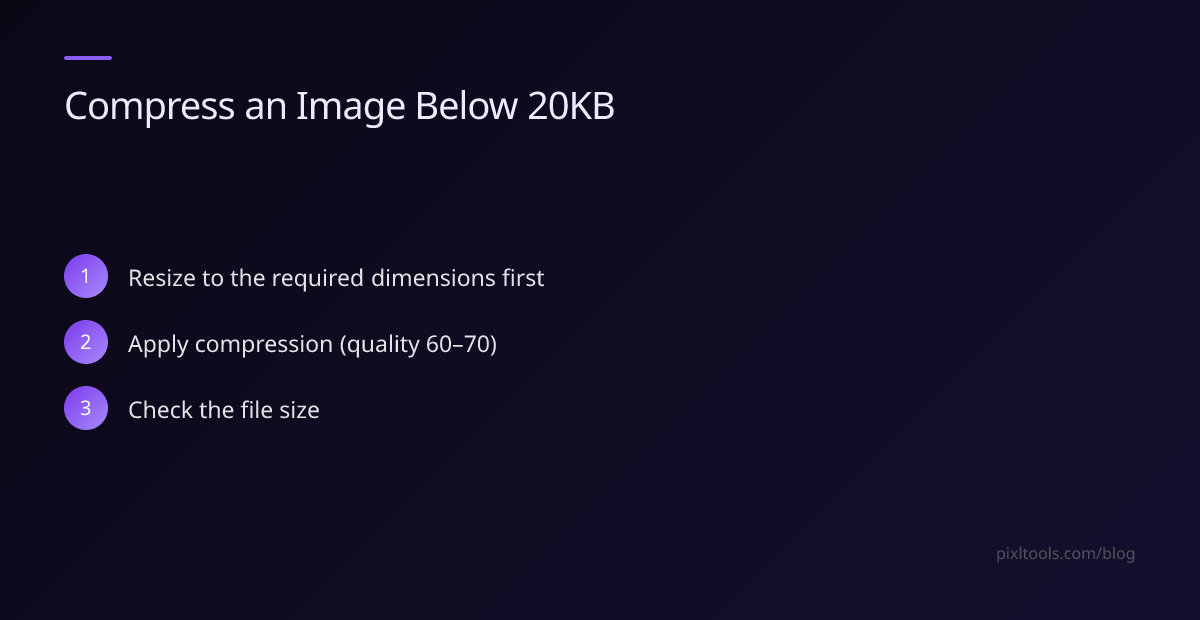
Step 1 – Resize to the required dimensions first
Before applying any compression, resize your image to the correct pixel dimensions for the use case:
- Passport photo: 200×200 to 413×531 pixels (depending on the portal)
- Signature: 100×50 to 280×80 pixels
- Profile photo: 200×200 to 400×400 pixels
Use PixlTools' free Resize tool to set exact pixel dimensions. This single step reduces file size by 80–95% for smartphone photos.
Step 2 – Apply compression
After resizing, upload the result to PixlTools' Image Compressor and slide the quality setting down to 60–70 for JPEG images. At this quality level, passport photos look clean and professional — the difference is only visible at extreme zoom.
Step 3 – Check the file size
Download the result and check its file size:
- Mac: Right-click → Get Info
- Windows: Right-click → Properties
- iPhone/Android: Open the photo app → tap the image → view details
If it's still over 20KB, reduce the quality to 55 or trim 10–20px from each dimension and repeat.
What Quality Setting Gives a 20KB Image?
This table shows approximate file sizes for a 400×400 JPEG at different quality settings:
| Quality | Approximate Size |
|---|---|
| 90 | 45–80 KB |
| 80 | 25–45 KB |
| 70 | 15–25 KB |
| 60 | 10–18 KB |
| 50 | 7–13 KB |
For most government document requirements, quality 65–70 at 300×350 pixels reliably produces a file between 12KB and 20KB that still looks clean and sharp.
Use JPEG, Not PNG
PNG files are lossless — they cannot be compressed as aggressively as JPEG. A 400×400 PNG photograph will typically be 150–400KB regardless of PNG compression settings, because lossless compression cannot match lossy JPEG at very small file sizes.
Always use JPEG for document photos targeting sizes under 50KB.
WebP is an even better choice if the portal accepts it — WebP achieves the same visual quality as JPEG at 25–35% smaller file sizes.
Common Mistakes
Mistake 1: Compressing without resizing first
Compressing a 4000×3000 pixel image to quality 20 still produces a 200–400KB file. Resize first.
Mistake 2: Saving as PNG
PNG cannot achieve below-20KB file sizes for photographs. Use JPEG.
Mistake 3: Using a screenshot instead of the original
Screenshots are often already compressed and low-resolution. Start with the highest-quality original available.
Frequently Asked Questions
How do I compress a photo to less than 20KB without losing quality?
Start by resizing to the required pixel dimensions (usually 200×300 to 400×500px for passport photos). Then compress at quality 65–70 using a JPEG compressor. At these dimensions, quality loss is imperceptible at normal viewing sizes.
Can I compress a PNG to below 20KB?
Not for photographs. PNG uses lossless compression, which typically cannot achieve below-20KB sizes for photographic content. Convert to JPEG first using PixlTools' PNG to JPG converter, then compress.
What resolution should a 20KB passport photo be?
Most portals accept 200×200 to 400×513 pixels (2:2.5 aspect ratio for standard passport photos). At 300×375 pixels, JPEG quality 70 typically produces a file of 12–18KB.
Why is my image still too large after compression?
If the file is still above 20KB after compression, the pixel dimensions are likely still too large. Resize to 300×300 or smaller, then compress again at quality 65.