Resize Images Without Photoshop
You don't need Adobe Photoshop — which costs $20+/month — to resize an image. Our free Image Resize tool does it instantly in your browser, on any device.
How to Resize an Image Online for Free
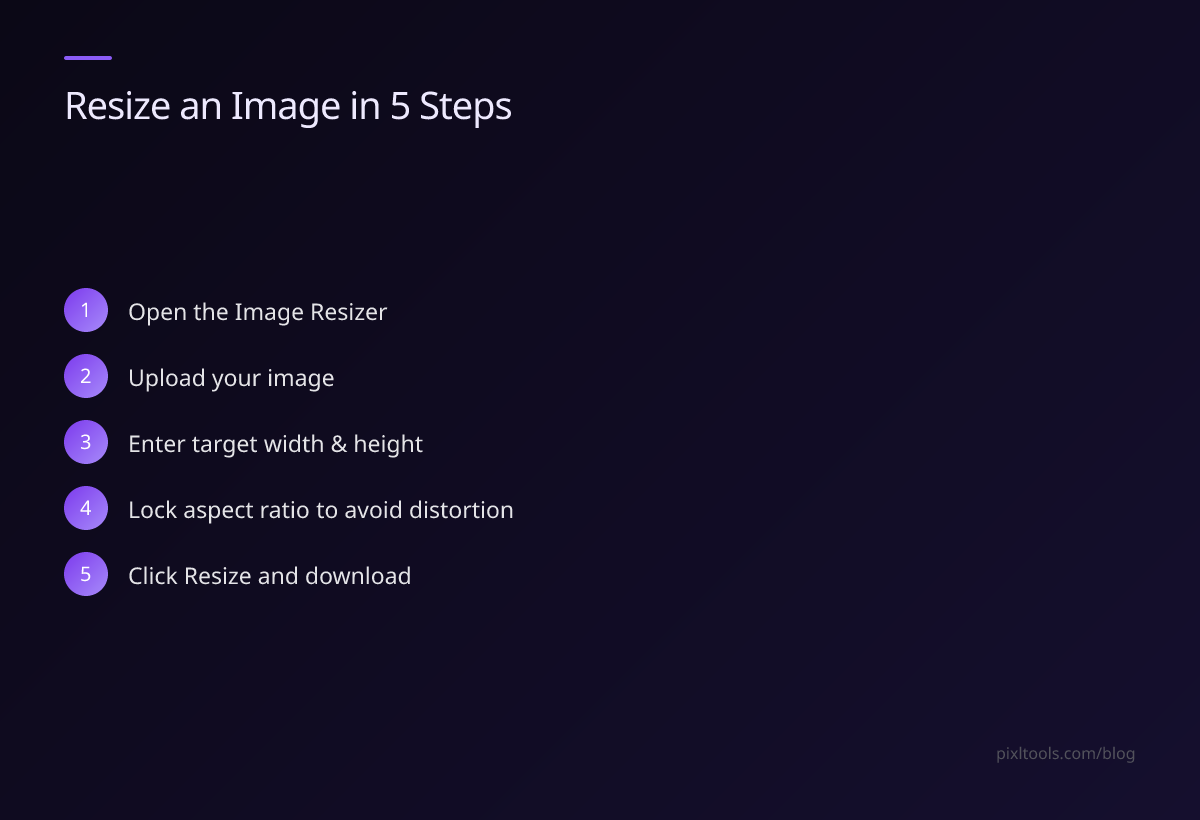
- Go to PixlTools Image Resizer
- Upload your image (JPG, PNG, or WEBP)
- Enter your target width and height in pixels
- Choose whether to lock the aspect ratio (prevents distortion)
- Click Resize and download your result
No Photoshop. No GIMP. No downloads.
Common Resize Targets
For Email
Resize to 800px wide maximum. This keeps file size small while preserving enough detail for email viewing.
For a Website or Blog
Resize to 1200×630px for featured images (ideal for social sharing and blog headers).
For Social Media
| Platform | Recommended Size |
|---|---|
| Instagram post | 1080×1080px |
| Facebook shared image | 1200×630px |
| Twitter/X | 1600×900px |
| 1200×627px | |
| YouTube thumbnail | 1280×720px |
For ID / Passport Photos
Many forms require 35×45mm at 300 DPI — that equals 413×531 pixels. Use exact pixel dimensions in our resize tool.
Do I Lose Quality When Resizing?
Downscaling (making smaller) doesn't lose quality — you're removing excess pixels. The image will look identical at its new, smaller size.
Upscaling (making larger) does reduce quality — you're adding pixels that don't exist. For upscaling, use our Image Upscaler which uses AI to add realistic detail.
FAQ
Can I resize without changing the proportions?
Yes — enable "Lock Aspect Ratio" in our tool. Enter just the width, and the height calculates automatically.
What's the difference between resizing and cropping?
Resizing changes the total pixel dimensions while keeping the whole image. Cropping cuts away part of the image.
Will resizing reduce the file size?
Yes — significantly. A 4000×3000 image resized to 1200×900 will be approximately 11x smaller in file size.